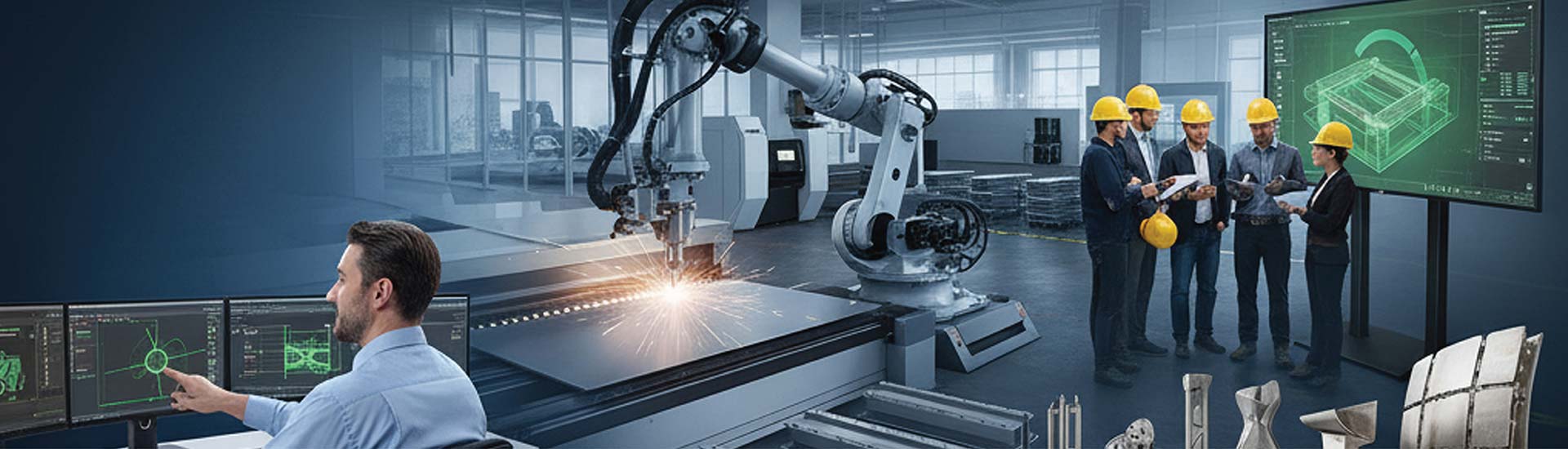

- Designers cut hours of custom metal fabrication design into minutes, with reduced errors and improved manufacturability through design automation.
- Automated systems create a digital thread from design to production, lower quoting time and decrease time to finish custom design part.
- This makes integration with CAM systems easier, which helps to optimize material use.
Table of Contents
Traditional design to manufacturing workflows require engineers to spend hours creating drawings and specifications, laying out tolerances, and quoting customers. All this is done manually. And this creates scopes for errors.
Design automation in custom metal fabrication lowers the risks of errors from these repetitive tasks. Automated systems let you use rule based modeling, parametric designs, and intelligent templates. All these help you to minimize design time and achieve consistency and accuracy in your designs. Automating designs through DriveWorks implementation lets you create a direct link between customer requirements and manufacturing.
The benefits of this are more than just getting designs to the shop quicker. In fact, studies show that automating design can reduce manufacturing costs by 20% if done right. Thus, design automation for metal fabrication lets you have greater control over material utilization, and also lowers rework.
As designs become more complex and customization increases with shorter lead-times, design automation becomes essential for metal fabricators to stay competitive in the market.
Understanding design automation in metal fabrication
Design automation in metal fabrication is the organized process of deploying software and practices so that you can reduce manual interaction and get designs ready for manufacturing on time. Configurators enable sales teams and customers to define the required manufacturable product requirements through guided selection.
DriveWorks is a powerful design automation software that integrates with SolidWorks to automate the creation of customized “same but different” products, allowing you to build online configurators, generate sales documents, and produce manufacturing data like parts, assemblies, and drawings from rule-based inputs. Design automation using DriveWorks saves time and reduces errors for companies selling variations of standard products.
However, the real power of CAD automation in metal fabrication lies in the easy integration of design systems into CAM (Computer Aided Manufacturing) systems. You get a single digital link between design specification and production planning. This also saves you from any errors that may occur while manually transferring data between the processes.
Manual vs. automating custom metal part design
The differences between traditional manual and modern automated custom metal part design can be seen by comparing their characteristics and impact on the fabrication process.
| Aspect | Manual design process | Automating custom metal part design |
|---|---|---|
| Knowledge application | Based on individual knowledge and memory | Based on predefined rules, templates, and parametric inputs |
| Design creation | Designs components from scratch | Designs from templates |
| Time efficiency | Time-consuming to model for each individual feature | Reduces design cycles by automating repetitive tasks |
| Error potential | Subject to human errors of oversight and inconsistent standards | Ensures consistent application of standards and requirements |
| Scalability | Struggles with accommodating part variations and customizations | Handles complexity across large family of products. |
| Design updates | Redraws everything for design changes, risk of new errors | Regenerates models when specifications change |
| Manufacturing integration | Design and production are at best open for interpretation | Preserves design intent across processes |
| Flexibility for customization | As flexible as the engineering resources available | Ability to routinely handle variations with precision |
During the shift from manual to automated workflows, common DriveWorks implementation mistakes can slow down design automation instead of accelerating it.
As metal fabricators are constantly under deadlines to deliver custom solutions faster and better, design automation benefits become real and measurable. These gains contribute to the key performance indicators (KPIs).
Key efficiency gains using design automation for metal fabrication
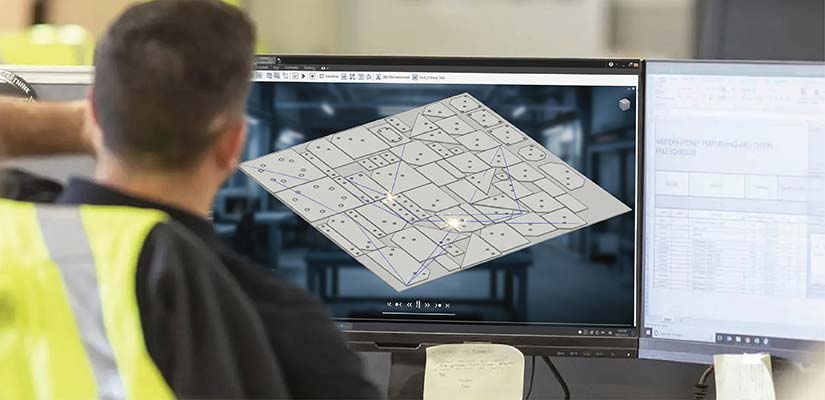
Design automation offers you increased efficiency from the initial design phase and production planning and manufacturing of the parts.
Faster design cycles for custom metal parts
You can use pre-defined design rules and templates to accelerate the design cycle time. This uses encoded engineering knowledge and produces reusable assets so that you do not have to create every standard feature.
Design automation lets you generate documentation packages (3D models, 2D fabrication drawings, flat patterns, bend tables, and BOMs) in minutes. You will find this useful when parts have many features/options for complex sheet metal parts.
Automating these also frees your resources to focus more on adding value like optimizing design, or collaborating better with customers.
Example:
Consider designing a sheet metal enclosure that requires multiple ventilation cutouts, mounting brackets, and multiple bends. DriveWorks integrated with SolidWorks lets you use parametric templates. You only need to enter the dimensions and functional requirements, and the tool will automatically produce the manufacturing documentations in seconds.
Reduction in quotation and response time
Using parameter driven configurators, sales divisions can create accurate quotes by capturing relevant requirements with an interface that checks manufacturability features.
Custom part quoting automation reduces the chances of missing essential production documentation in the quote package. Once the customer locks in the configuration, all the documentations are produced without any delay. This makes sure that there is no holdup between quote acceptance and production start.
Also by creating documents in structural and sequential format eliminates the risks of miscommunications and errors since all customer requirement is captured within the same documents that are shared between departments without any loss of information.
Example:
Imagine a metal cabinet manufacturing company that utilizes Autodesk Inventor with iLogic rules. A sales representative enters customer requested specifications into the configurator, it checks manufacturability, calculates price and produces a quote package all in a very short time.
Shorter lead times from design to production
CAD/CAM workflows create a digital thread from design to production. The system automatically creates the tool paths, optimizes nesting, and produces machine instructions without any manual intervention.
By validating manufacturability early in the process, this helps you to tweak the designs as per the equipment and processes available. For example, you can make sure that the radiuses for holes match your tooling, the bend radii allow smooth bending of the brake, and the material thickness used would match your cutting process.
This immediate feedback on manufacturability lets you use design automation to compare multiple design options at the same time, optimizing them for the actual material used, production, and cost of each option.
Example:
Consider a fabricator that uses Creo to produce custom designs for HVAC. Each time there is a design change, the system checks manufacturability and automatically updates the NC code for laser cutting as it regenerates press brake bend sequences for the relevant part.
Design Automation Saves 70% of Delivery Time
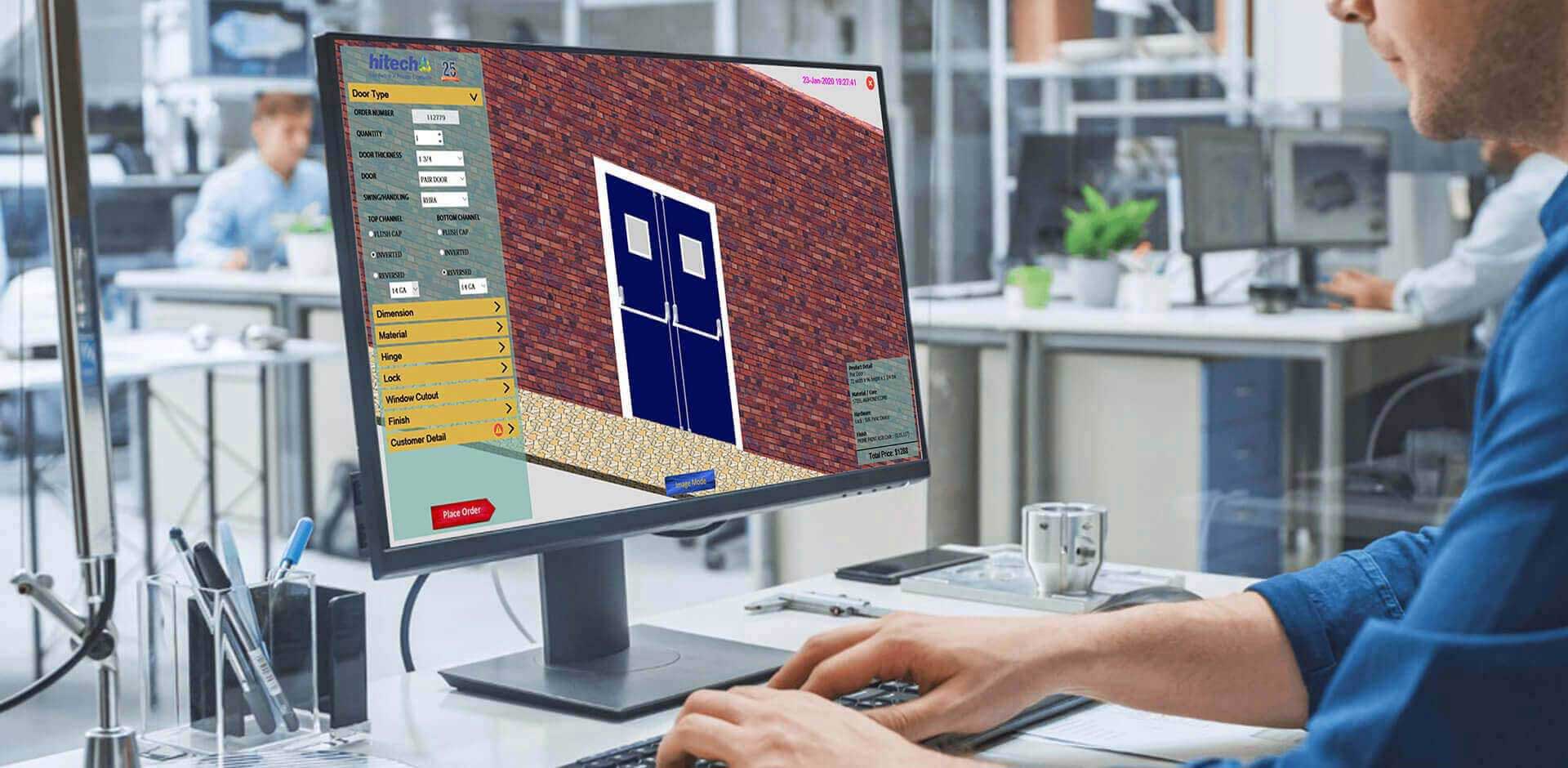
A metal and steel door and frame manufacturer in the US was struggling with custom order workflow, taking 6-12 hours of engineering per order. 40% of their orders were small and fragmented design handoffs and this was slowing down their delivery. They needed faster delivery cycles.
To solve this, HitechDigital implemented DriveWorks with SolidWorks to automate the generation of 3D models and creation of fabrication drawings. Custom macros handled partially automated cases, with automated quality checks achieving over 99% accuracy, reducing engineering time by up to 80%.
The results were as follows:
- Reduced delivery time by 70%
- Completed 10,000+ orders a month
- Quality over 99%
- 40% reduction in design development cost
Improving fabrication accuracy using design automation
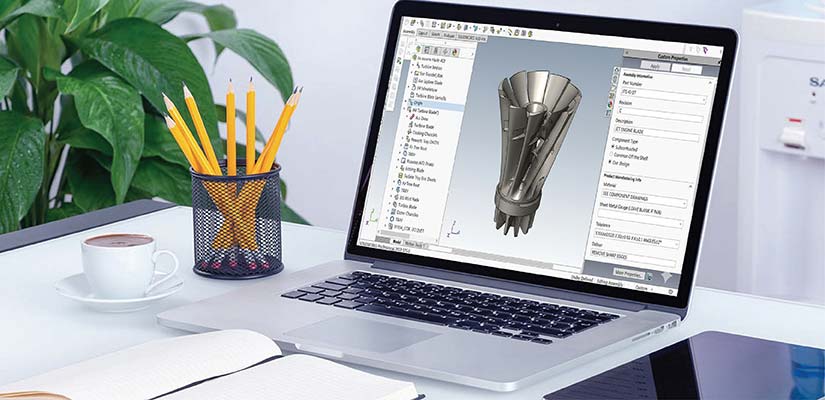
While efficiency gains are great, the accuracy improvements enabled by design automation may have even bigger impact on custom metal fabrication operations. Automated design systems ensure quality of your designs by eliminating the scopes for errors.
Elimination of manual design errors
Automated design systems enforce design standards so that all your designs are created in compliance with company and industry best practices. Validation rules are embedded in the automated design process to detect issues before manufacturing runs. These check everything from appropriateness of materials, fastener specifications, sizes of holes and assembly fit.
Automated sheet metal design software like DriveWorks or Inventor iLogic generates error free documentation by ensuring that all relevant dimensions, tolerances, material specifications, and manufacturing notes are applied uniformly in documentation.
All documentations are based on validated 3D models so there is no gap between design intent and fabrication instructions.
Key benefits are:
- Consistent bend allowances, corner treatments, and features parameters for all designs
- Includes automated clearance verification for tooling access during manufacturing
- Removes common errors such as hole to edge distances or impossible bend sequences
- Standardizes drawing formats with correct view placements, dimensions and notes
- Transcription errors are eliminated when transcribing design requirements to manufacturing documentation.
Scale your design team’s efficiency with smart automation
Get DXF, PDF, and CNC drawings auto generated.
Improved consistency in part geometry and output
For automated systems, consistent bend allowances is an useful value gain. This ensures scientifically established bend deductions based on material properties, material thickness and forming method for flat patterns.
When you use automated dimensioning using DriveWorks in SolidWorks or Inventor iLogic, you no longer rely on guess work for which dimensions need to be included, and how to specify tolerances. The automated drawings are created with a standard dimensioning scheme that conveys all of the manufacturing information without redundant, or conflicting dimensions.
Design automation for metal fabrication ensures that for repeatable results across variants, similar parts will have similar properties, no matter the configuration. The result is a simpler inventory process and assembly process.
Automatic detection of manufacturability issues
With built-in validation systems to detect problems before entering the shop floor, custom metal fabrication automation lets the designer check that a bend can be made, confirm tooling clearance, and determine which bend sequences are physically possible.
Feedback in real time lets the designer address any issues immediately rather than in the production environment.
Key validation features include:
- Identifying tight internal radii that exceed material capabilities
- Indicating holes or slots that are too close to bends or edges
- Verifying minimum flange length for tool clamping
- Analyzing bend sequence for collision or interference
Integration of simulation tools
CAD software now allow initial analysis of stress/load to validate performance metrics early in the design process before physical prototypes are built. This allows you to check the part response to loads and address failure points while still in the design process.
Toolpath and bend simulation lets you determine if collisions are present, if features are reachable, or if processing sequences are ineffective. Doing initial design checks digitally means rework and scrap can be addressed digitally instead of through the physical trial and error process.
This results in a higher first pass success ratio while cutting down the expensive cycles of physical prototypes.
Cost and waste reduction through design automation

Design automation saves you money through reducing costs and waste across the entire custom metal fabrication process. This means more profit and sustainability.
Reduced material waste and better nesting
Nesting algorithms maximally optimize arrangement of parts to reduce scrap material. When nesting parts, factors like grain direction, shared cut lines and processing efficiency are also considered.
Cutting and punching paths are built into material optimization. Stability of parts while cutting and controlling heat distortion of cut pieces are now accommodated as well.
Real time estimation of materials while designing means estimates are accurate and material acquisition is never delayed. This reduces customer costs and inventory carrying costs.
Fewer errors, rework, and delays
When designs automatically take into account equipment capabilities, and constraints, fabricators can avoid production halts.
With design automation, you ensure all critical tolerances are noted. You can also make sure that mating parts will actually fit and function to prevent rework or field modifications post-delivery.
Identifying issues in the design phase rather than production or after delivery save fabricators costs from scrapped materials, labor wasted redoing, remake costs, damaged customer relationships – which leads directly to higher profit margins and satisfaction.
Less labor and engineering overhead
Design automation in manufacturing using DriveWorks lessens the amount of human time spent for repetitive tasks. This means metal fabricators can do more work, without needing to add any additional labor costs. Expert knowledge are preserved in software systems that allow organizations to save themselves from expertise loss any time.
By off-loading resources from documentation processes and assigning them to complex engineering design and customer engagement, the whole engineering function becomes elevated and, more value delivered both to the organization and its customers.
Conclusion
Design automation is essential for you to create a market advantage when under pressure to deliver super-fast, super-accurate and super-cost-effective results. By applying automation to the design phase, you can drastically reduce engineering hours while increasing consistency and eliminating typical sources of errors and waste.
The benefits accrue to the entire organization – sales teams gain robust configuration tools and production floors get manufacturable designs. Fabricators that embed automation into their core processes can develop sustainable advantages in custom metal fabrication. They can respond quickly to customization needs without compromising profit and quality.
Customize DriveWorks configurators for your workflow.
Automate quotes, POs, and design logic end-to-end.